Manage your team and assign roles
A tutorial for Org Admins: add members to your Cloud Control organization, assign the right role from Viewer to Org Admin, change roles, and remove members safely.
This tutorial adds teammates and gives them appropriate access. You need the manage_users_sso capability (Org Admin or Owner).
- Open the Team page
Go to Team (
/users). You see every member with their role and MFA status; the owner carries a badge.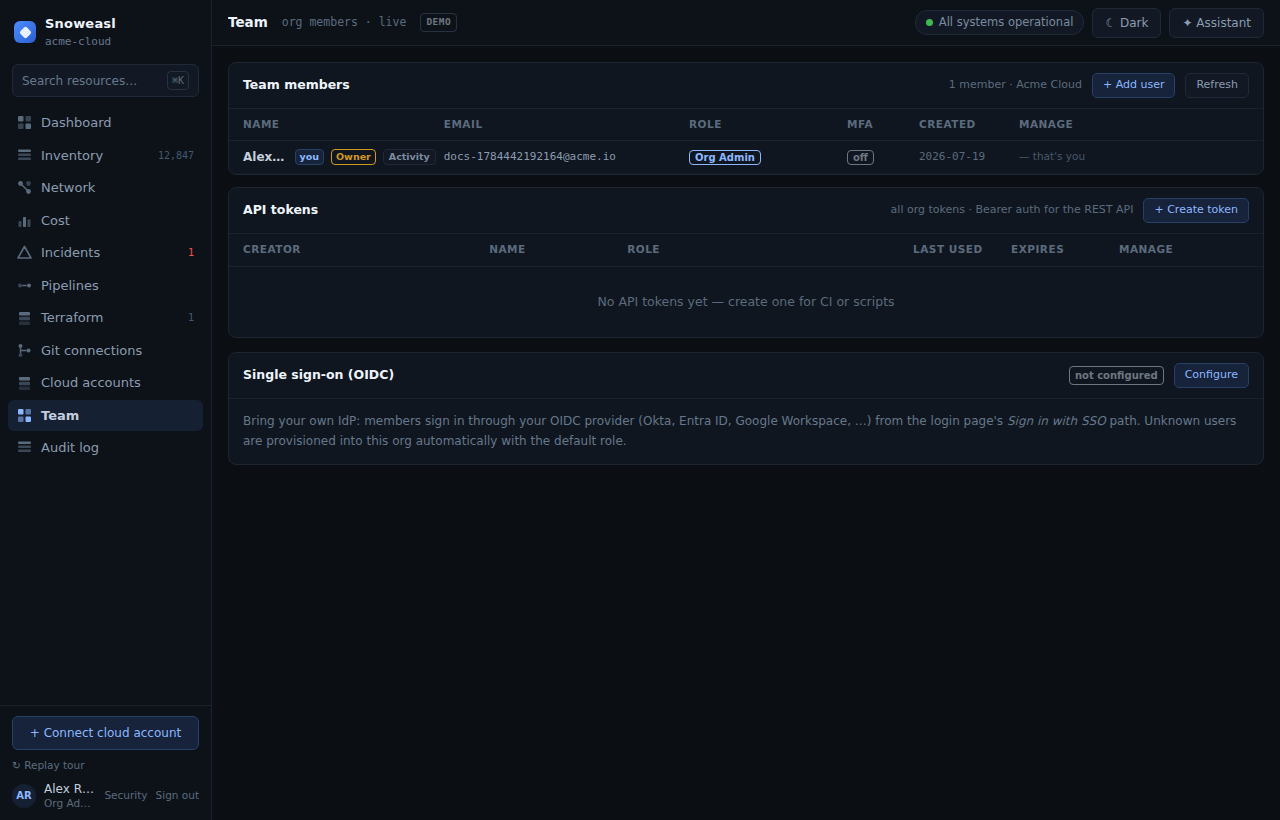
- Choose the right role
Match the role to the need: Viewer for read-only stakeholders, Deployer for engineers who run infra actions, SRE · Cloud Admin for people who also manage cloud connections, Org Admin for those who manage the team and SSO. Review the full matrix in Roles & permissions.
- Add a member
Add a member with a name, email, an initial password and a role (
POST /api/org/users). They can sign in immediately and change their password via reset. - Change a role when needs change
Update a member's role with
PATCH /api/org/users/{id}. Because capabilities are recomputed per request, a downgrade takes effect on their next request — no re-login required. - Remove a member
Remove someone with
DELETE /api/org/users/{id}. This cascades their sessions, MFA, reset tokens and API tokens, so access is revoked cleanly.
Changing the owner's role, removing the owner, or self-demoting out of ownership is blocked with a 400. Move ownership deliberately via Transferring organization ownership.